
Liquid Graphite Heating Mat
Liquid Graphite Heating Mat is backordered and will ship as soon as it is back in stock.
Couldn't load pickup availability
Description
Description
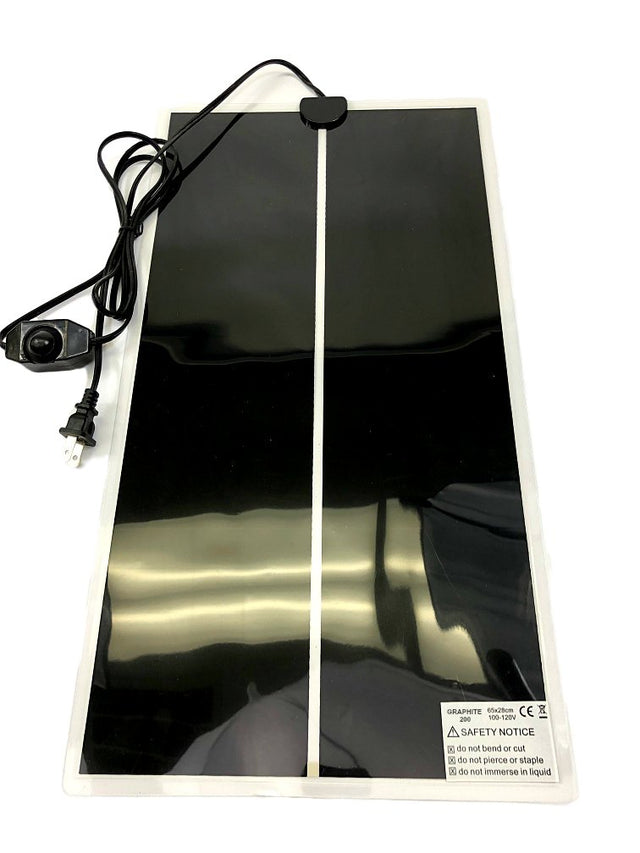
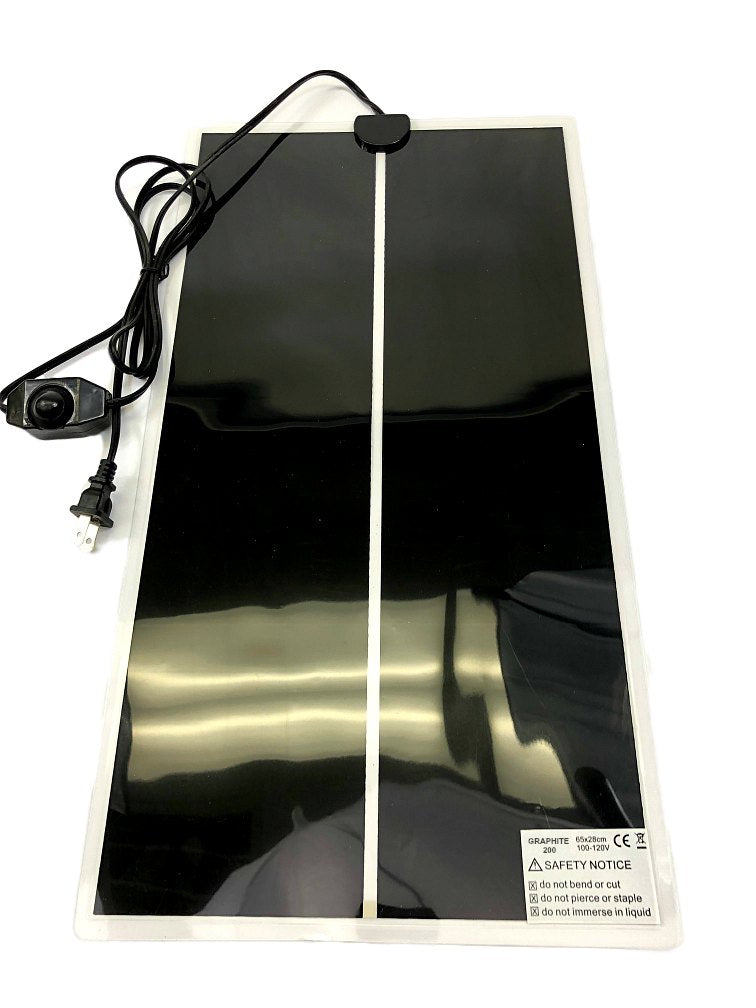
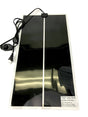
Maintain stable, consistent incubation temperatures with the Liquid Graphite Heating Mat. Unlike traditional wire-based heating pads that create hot spots, this infrared heating mat uses liquid graphite technology to distribute heat evenly across the entire surface — reliable warmth without overheating your substrate, drying out your grow, or warping plastic bins.
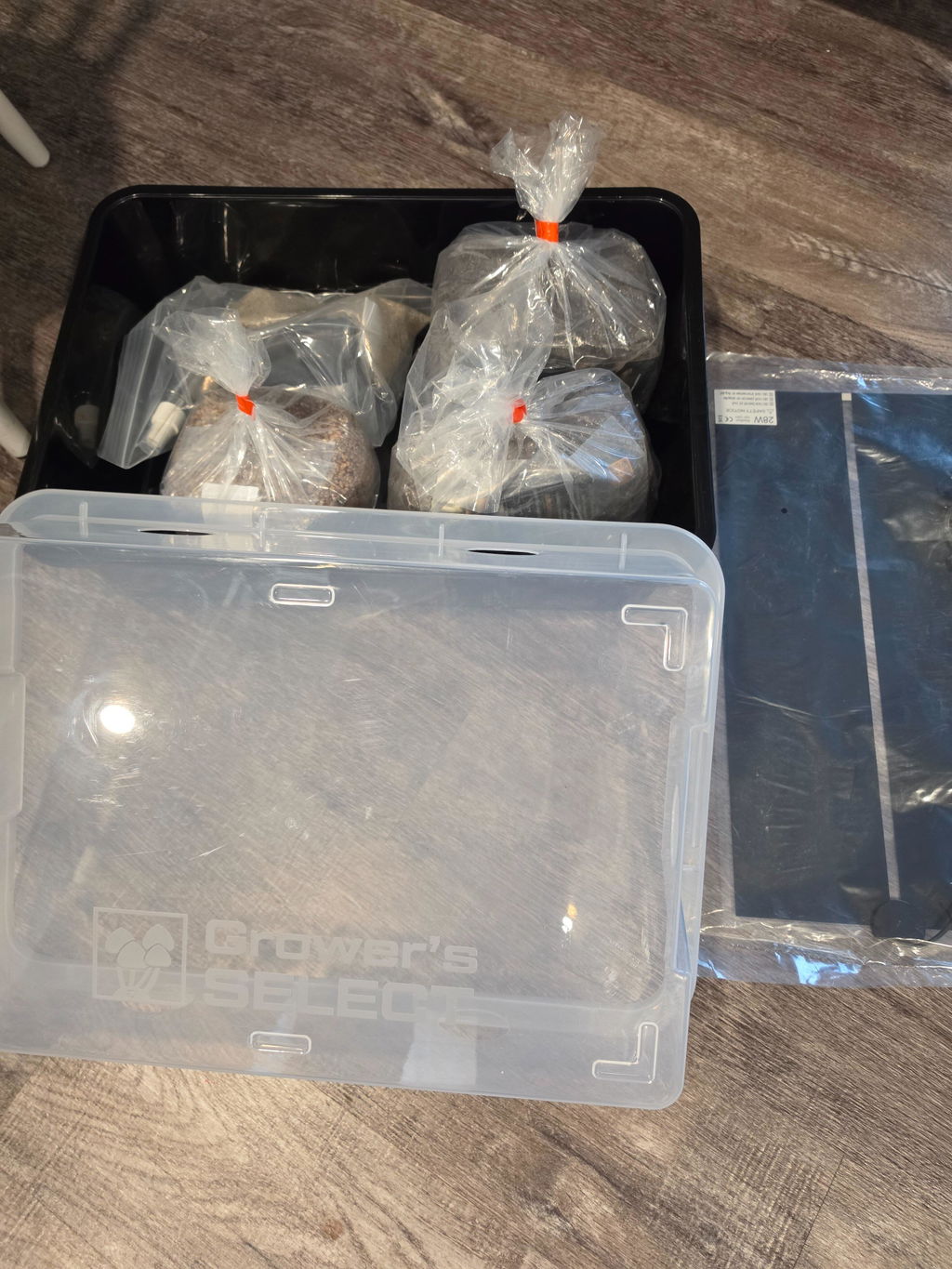
Built for monotubs, incubation chambers, grain jars, and spawn bags, this 21" x 11" heating mat delivers efficient bottom heat while using just 28 watts of power.
- Size21″ x 11″
- Power28 Watts
- TechnologyLiquid Graphite Infrared
- Voltage110–120V
- Dial Range~67–86°F
Why Growers Choose This Heating Mat
- Even surface heating — liquid graphite core eliminates hot spots
- Infrared heat transfer — warms solid surfaces instead of heating the air
- Energy efficient — uses only 28W while delivering strong performance
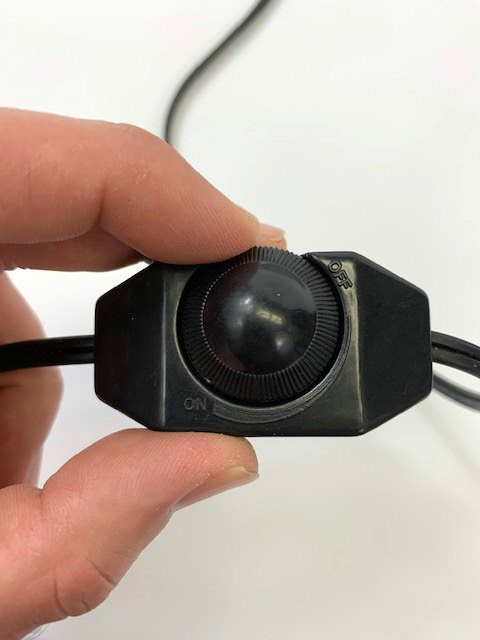
- Adjustable temperature dial — fine-tune output from approximately 67°F–86°F
- Perfect for monotubs and incubation — designed for bottom heat applications
- Safe and stable — no exposed heating wires
Specifications
| Specification | Detail |
|---|---|
| Dimensions | 21″ x 11″ |
| Power Usage | 28 Watts |
| Heat Technology | Liquid graphite infrared |
| Voltage | 110–120V only |
| Best Use | Monotubs, incubation bins, jars, spawn bags |
| Skill Level | Beginner to advanced |
How to Use (Step-by-Step Setup)
- Placement — place the mat on a flat surface. On cold concrete floors, lay down a Mylar space blanket first to reflect heat upward.
- Add a buffer layer — place a thick towel or folded cloth on top of the mat. Never set bins or jars directly on the mat without a buffer layer.
- Position your grow container — set your monotub, grain jars, or spawn bags on top of the towel and close the lid.
- Dial adjustment — turn the dial to maximum briefly to confirm it's warming, then reduce to about 50% power as a baseline. Allow at least one hour for temperature to stabilize before adjusting further.
Pro Tips for Best Results
- Always use a towel buffer layer
- Never place the mat inside your grow chamber
- Use Mylar on cold floors to reflect heat upward
- Recheck your temperature setting when seasons change
- Pair with a temperature controller for automatic regulation
Frequently Asked Questions
Can I place my tub or jars directly on the mat?
No — always use a towel or folded cloth as a buffer layer between the mat and your grow container. Placing containers directly on the mat is not recommended.
What temperature range does this mat cover?
The dial adjusts output from approximately 67°F to 86°F. Most tropical strains do well around 72–76°F, with some tolerating 74–78°F.
How much power does it use?
Just 28 watts, running on 110–120V only.
Can I automate the temperature instead of using the manual dial?
Yes. Pair this mat with our Digital Temperature Controller/Thermostat for hands-free, automatic regulation.
Does the dial show exact temperatures?
No, the dial has no markings. Once you find the setting that works for your room, mark that position yourself with a pen or permanent marker for future reference.